The Corrowong Trust: an archive people actually browse
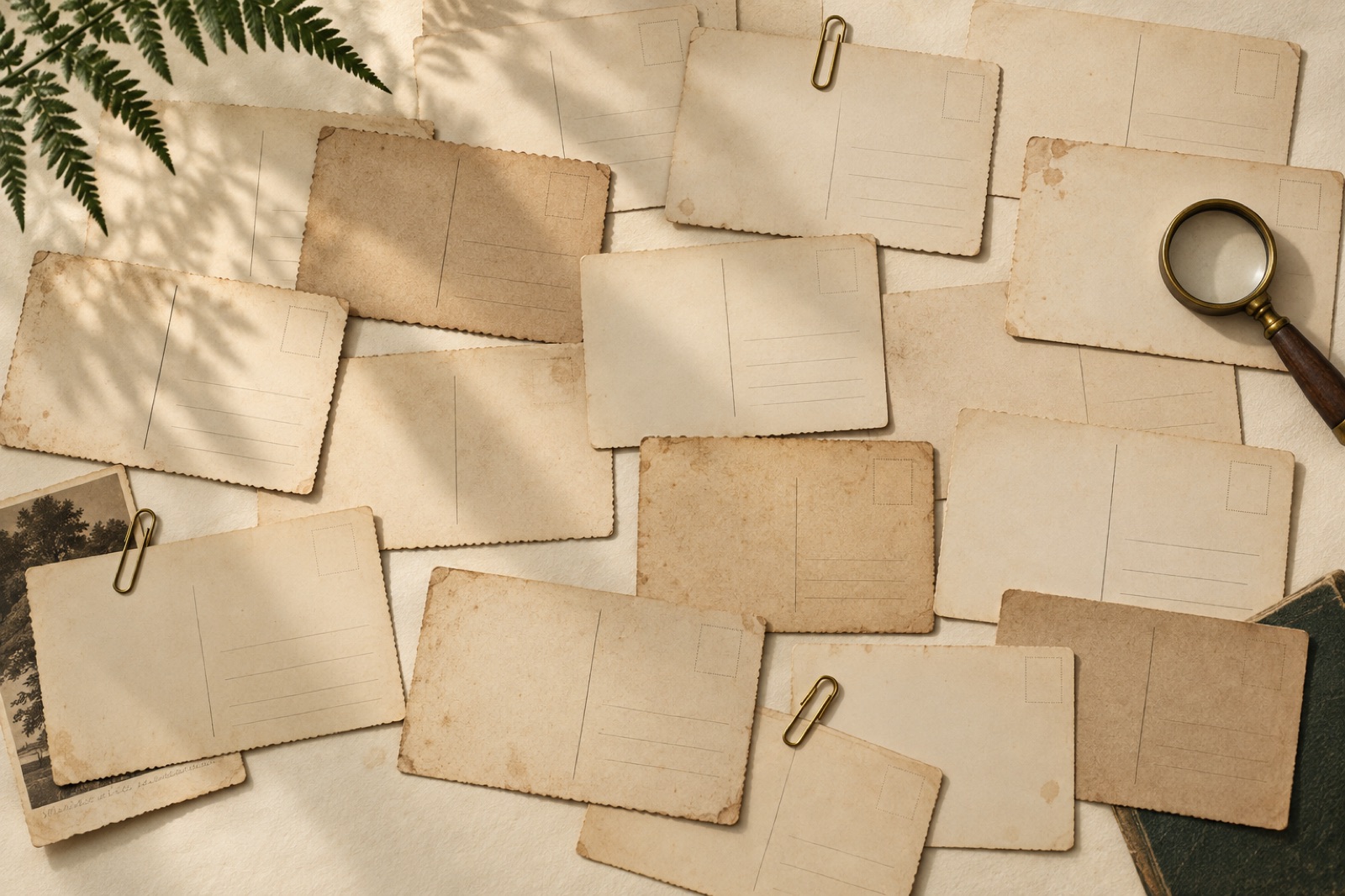
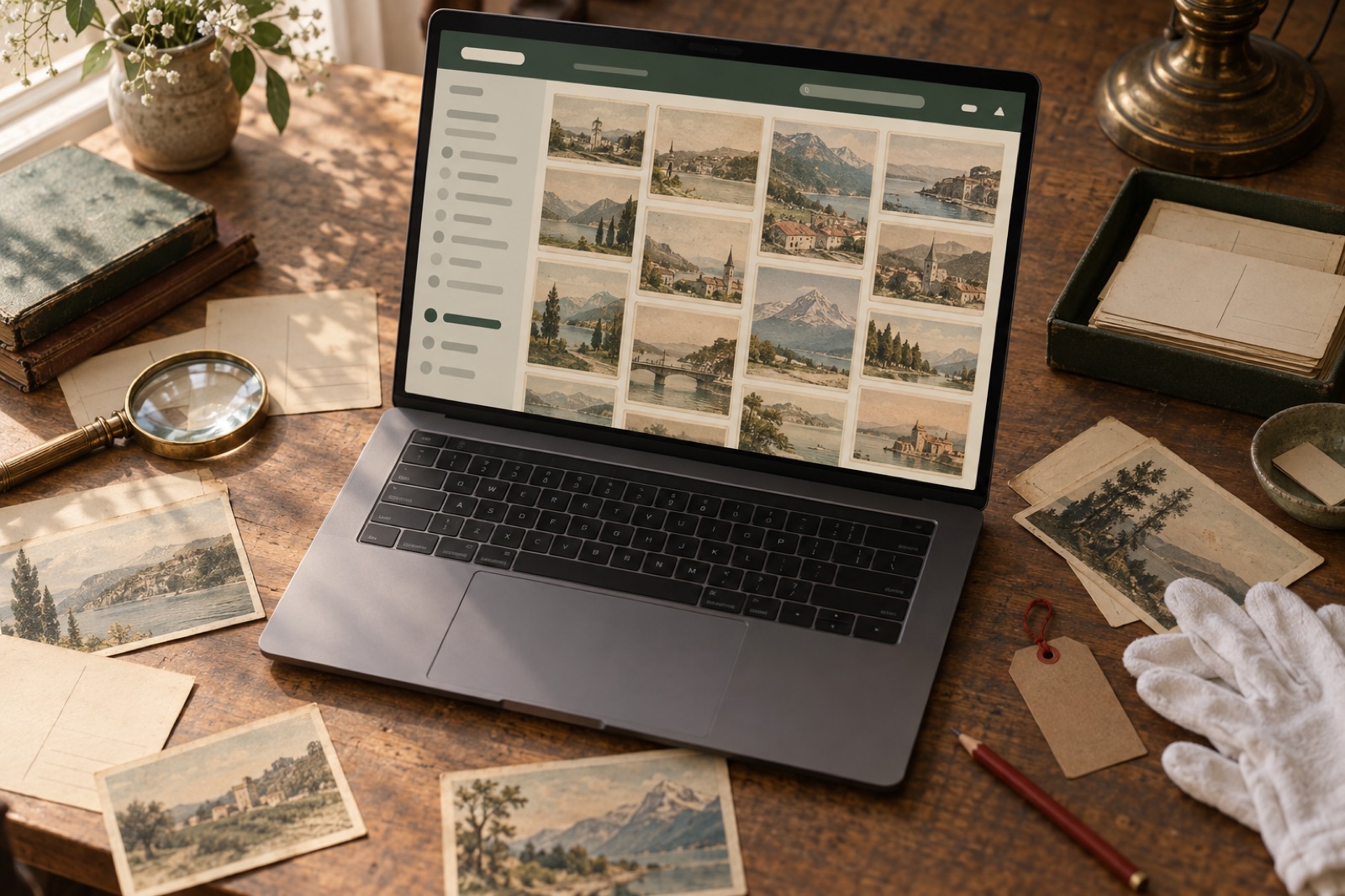
This case study ships with a working mini-product — mocked data, real craft.
The Corrowong Museums Trust looks after five small museums in the NSW Riverina — an agricultural hall, a railway museum, a schoolhouse, a returned-services collection and a general store frozen in 1953. Between them they hold around 180,000 catalogued objects: photographs, letters, farm ledgers, railway tickets, wedding dresses. The Trust had spent seven years and three grants digitising it all, and the result lived behind a database search form that assumed you already knew the catalogue number of the thing you were looking for.
The challenge
The existing archive site was built for researchers, by which we mean it was built for the database. Accession-number-first search, results in dense tables, images at 400 pixels wide, eleven clicks from homepage to a photograph of your grandmother's school. Usage told the story: 94% of sessions ended on the first results page. The Trust's director, Bronagh Fell, had data from a community survey that was worse: locals overwhelmingly said the archive was "for historians", despite it being, legally and spiritually, theirs.
The funding question loomed over everything. The Trust's next grant round depended on demonstrating public value — visitation, engagement, educational use. A search box with 94% abandonment is not public value. And the practical constraints were real: a part-time staff of six, 4G connections across much of the LGA, images ranging from 100MB glass-plate scans to blurry phone photos of quilts, and no budget for a bespoke DAM. Volunteers' home computers, some of them museum pieces in their own right, also had to cope.
There's one more constraint worth naming: an archive carries responsibilities a shop doesn't. Sensitive items, cultural protocols around images of deceased people, and donor embargoes all had to be expressible in the system — not as afterthought redactions but as first-class states with their own honest, respectful copy. A blurred thumbnail with a clear explanation earns more trust than a silent omission.
The approach
Design for wandering, not just finding
Library science optimises for precision: ask exactly, get exactly. But most visitors to a regional archive don't have a question — they have an afternoon. So we designed two front doors. The research path kept precision: every field the old system had, better labelled, with exportable citations. Beside it, the wander path: a continuous visual stream organised around threads — drought, weddings, the railway, main streets — that work like a knowledgeable volunteer leaning over your shoulder.
Faceted search did the heavy lifting in both. Facets were rewritten from cataloguing vocabulary into human vocabulary: "place", "year", "what is it", "who's in it" rather than the Dublin Core field names. Counts are shown on every facet — "Beechworth (2,314)" invites a click in a way a bare label never does — and every facet combination is a stable, shareable URL, which turned out to matter enormously when the local Facebook history groups found the site.
Images as the interface
In an archive, the image isn't illustration; it's the content. We set a hard rule: no page shows a collection item smaller than 600px on a desktop screen, and the viewer allows deep zoom on anything high-resolution enough to sustain it. Delivery runs through a CDN image pipeline with responsive srcsets, modern formats and aggressive lazy loading — our engineering obsession with image performance meant the image-heavy stream still scores a green LCP on a regional 4G connection. The viewer itself is fully keyboard-operable: arrow keys move through items, focus never gets lost behind the lightbox, and zoom controls are real buttons with real labels.
Alt text at 180,000 objects
Nobody has the budget to hand-write alt text for 180,000 items, and pretending otherwise is where most "accessible archives" quietly give up. Our answer was layered. Every item gets a baseline of structured alt text generated from its own catalogue metadata — "Black and white photograph, main street, Corrowong, circa 1940" — which is honest, useful and infinitely better than a filename. The Trust's weekly volunteer morning (their genuine superpower) got a simple internal tool for upgrading popular items to rich, human description, and the public stream surfaces a "help us describe this" invitation that has become its own volunteer pipeline. It's the same principle we apply in our product practice: meet the constraint honestly and design the workflow, not the fantasy.
The outcome
The archive launched in time for the grant application, which was, we're told, an unusually enjoyable document to write. The metrics below are illustrative figures from this fictional concept project:
| Metric | Before | After |
|---|---|---|
| Sessions viewing more than 5 items | 6% | 38% (illustrative) |
| Median session length | 1m 10s | 7m 40s |
| Return visits within 30 days | 9% | 31% (illustrative) |
| Volunteer-enriched descriptions | ~400 (est. over 7 years) | 2,900 in six months |
| Teacher resource downloads / month | ~15 | ~260 |
The loveliest outcome wasn't in the dashboard. The railway museum curator reported that visitors now arrive at the physical museums holding phones showing items they found online, asking to see the real thing. The archive became a trailer for the buildings. Bronagh called it "the first piece of IT in twenty years that made the museums more visited instead of more administrated".
"We thought we needed a better search engine. We needed a better invitation. Brassfern understood that people don't research a town — they fall in love with it, then research it." — Bronagh Fell, Director, The Corrowong Museums Trust (fictional)
Stack & credits
- Design: browsing model, facet language, viewer UX, exhibition templates
- Engineering: headless front end, Meilisearch with tuned relevance, CDN image pipeline, IIIF-style deep zoom
- Accessibility: WCAG 2.2 AA, keyboard-first viewer, layered alt-text system with volunteer workflow
- Content: thread curation tools, citation exports, teacher resource kit
- Squad: product designer, two engineers, content designer, producer — how our squads work
- More: our non-profit industry page · Have a collection the public can't reach? Start a project
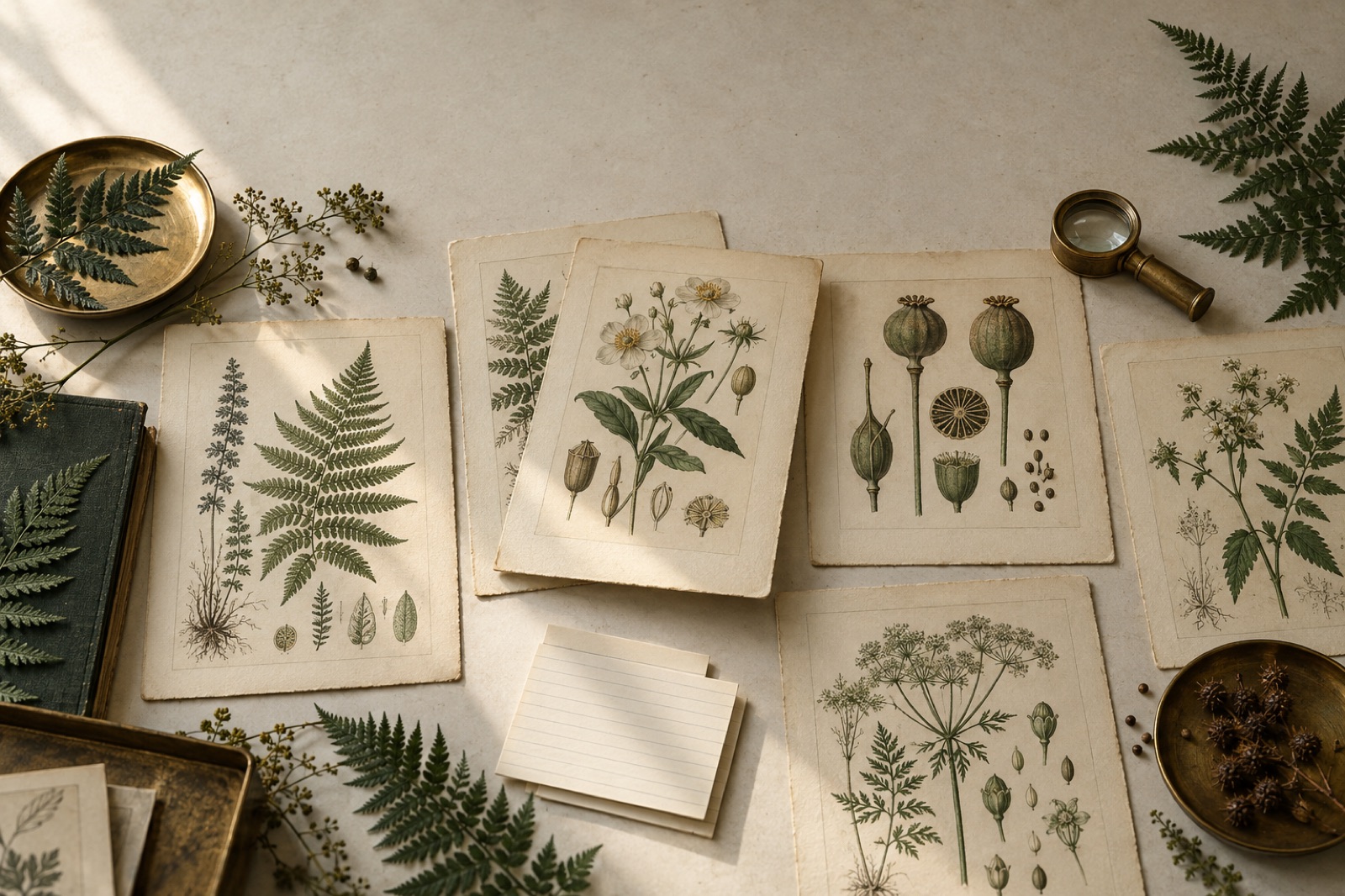
Verdigris Archive: 80,000 botanical plates, searchable in a blink
A botanical museum put 80,000 plates online with fast faceted search, a deep-zoom viewer and public-domain downloads. Search success rose 63%.
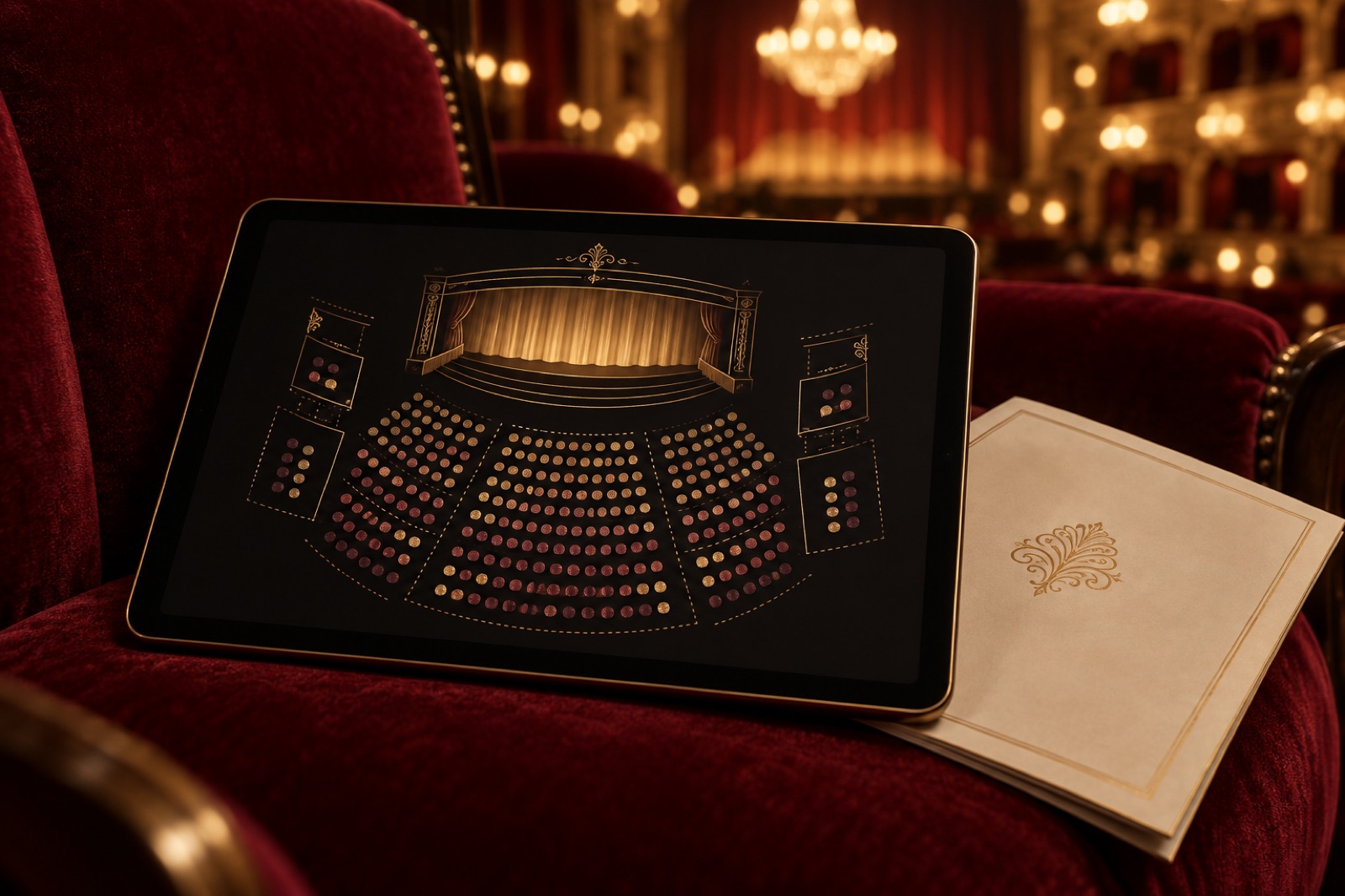
Glasshouse: a seat map people stopped dreading
A 384-seat theatre's box office was where sales went to die. We rebuilt it around an honest seat map, truthful timers and keyboard-first booking.
Signal & Noise: a podcast network site built around listening
Nine shows, one persistent player and transcripts that do real SEO work — how we built a podcast network's home on the web it actually owns.